A talker for your child. Free, on the tablet you already own.
nanoGOAT is a full AAC app built for autistic kids 6 and under — including gestalt language processors who speak in scripts, songs, and whole phrases. Add buttons with your own photos in minutes. Designed by an autistic kid’s mom. Built by his dad.
Available now
Download nanoGOAT AAC
Free forever. No subscription. No credit card.
- ✓ $0. Forever. No trial, no subscription, no locked words.
- ✓ No iPad needed. Runs beautifully on an affordable Android or Fire tablet — or your iPad or phone.
- ✓ Easy on purpose. Start from 25+ ready-made boards in minutes; change a button the moment a new interest appears.
No ads · No data sold · COPPA-compliant · Works 100% offline · No account needed
A real Core Phrases board. Buttons can be a single word, a phrase, or a whole script — whatever fits your child.
Follow us
Our biggest promise
Your child will never pay to communicate.
Core AAC features are free forever — no trial, no credit card, no paywall on a child’s voice. Ever.
Why free? We’re the parents of an autistic kid. We built exactly the app we wanted for our son — and once it existed, sharing it free was the obvious thing to do. That’s the whole story.
No iPad required
Runs beautifully on a device you probably already own.
Getting started with AAC can add up to hundreds of dollars. nanoGOAT is free, and it runs beautifully on an affordable Android or Fire tablet — or the iPad or phone already in your house.
See nanoGOAT in action
Why we built it, and what it does — from the dad who wrote the code.
Made for scripts, not just single words.
Some kids build language word by word — I, then want, then juice. Others speak in scripts, songs, and whole phrases first — often called Gestalt Language Processing. Echolalia is communication, and nanoGOAT treats it that way.
Every button can say exactly what your child says: one word, a favorite line from a show, or a whole script. Add the gestalts that matter to your child, keep core words close at hand, and nothing gets deleted as their language grows.
However your child talks, the app fits them — not the other way around.
Some kids build word by word
Some kids speak in whole phrases
nanoGOAT does both — every button can be one word, one phrase, or a whole story.
New haircut? Dentist visit? First day of school?
Make a social story with your own photos in minutes — in the same app your child already uses every day, on the same device they already carry. Practicing for a big day feels just like talking.
And “Gigi Can Talk” — the story of a little goat finding her voice with her talker — comes included with every download.
Every feature earns its place.
Just what your family will actually use — no bloat, no clutter.
25+ Starter Boards Included
Start communicating the day you install. Ready-made boards for daily needs, mealtime, school, the park, the grocery store, feelings — even speech, physical, and occupational therapy visits. Use them as-is or make them your own.
Multi-Word Buttons
Set a button to say a whole phrase, script, or favorite quote — whatever matches how your child naturally communicates. One tap plays “Gigi can talk now!”
Custom Photo Buttons
Snap a picture of their actual toys, family members, or favorite places and turn it into a button in seconds.
Fast Button Editing
Add or change a button in seconds. When your child discovers a new interest, their vocabulary can update right there in the moment.
Grows With Your Child
Start with a few big buttons and grow to full boards. Buttons stay where your child learned them, and nothing gets deleted as vocabulary grows — your child won’t outgrow it.
Three Speaking Modes
Speak each tap immediately, build a message silently, or hear every word as it’s added — match the app to how your child communicates today, and change it anytime.
See it in action
Designed by Mom. Built by Dad.
Our son found AAC on his own. His big sister had a talker from her school district, and he was fascinated by it — so we bought him the same app, and he started talking to us.
Along the way, we kept dreaming up the app we really wanted for him: buttons that speak in whole phrases and scripts, the way he actually talks. Photos of his real toys and his real family. Boards ready to go for the grocery store and speech therapy. Social stories for hard days, right in the same app.
So his mom designed exactly that app. And his dad built it. Now it’s yours too — free. Because once we’d built exactly what we wanted, sharing it was the obvious next step.
Show this to your SLP.
Speech-language pathologists help families choose AAC that lasts. Here’s the quick feature-matching rundown — we’d love your SLP’s take.
Vocabulary
Whole-phrase and single-word buttons side by side. Core words included, fringe vocabulary fully expandable, 25+ starter boards plus unlimited custom boards.
Layout stability
Buttons stay exactly where you put them — layouts never rearrange themselves as vocabulary grows, so motor plans stay intact.
Customization
Adjustable grids with variable-size buttons — from small tiles up to one that fills the whole board — the family’s own photos, and per-communicator settings on a shared device.
Speech & message modes
Uses the device’s built-in text-to-speech voices. Three message modes: speak immediately, build silently, or build with spoken feedback.
Caregiver features
Editing and settings sit behind the device’s own lock (PIN, fingerprint, or face). Caregivers can model language on the same device the child uses.
Data & privacy
100% offline. Data stays on the device, with manual backup and restore to a file the family controls. No ads, no data sale, and a published COPPA policy.
We’d love your SLP’s take — send them this page.
Meet Benny & Gigi
Our mascots and the stars of the stories included with the app.
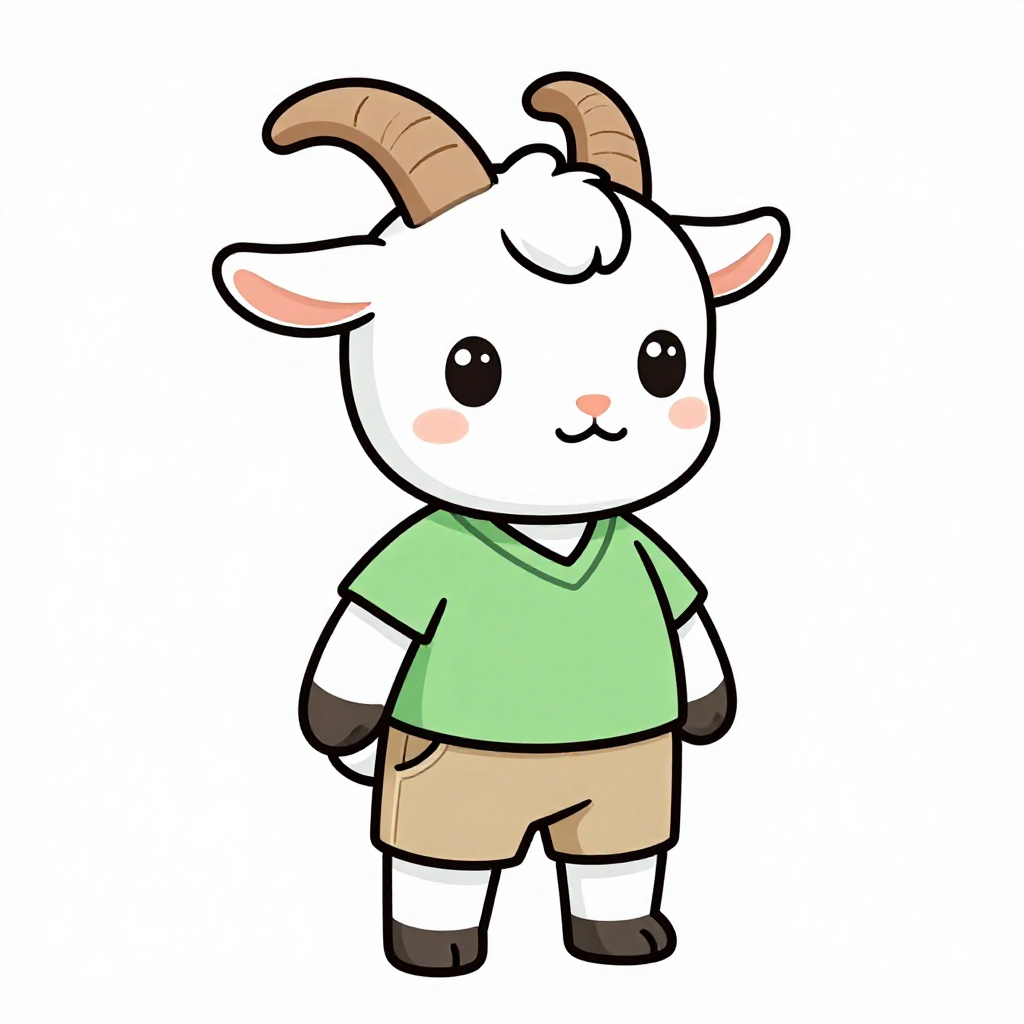
Benny
The big brother. Benny is strong, supportive, and always cheering Gigi on. He shows kids what it means to be a great sibling and friend.
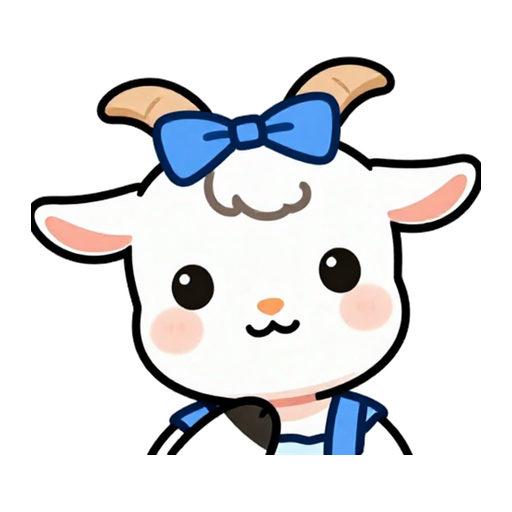
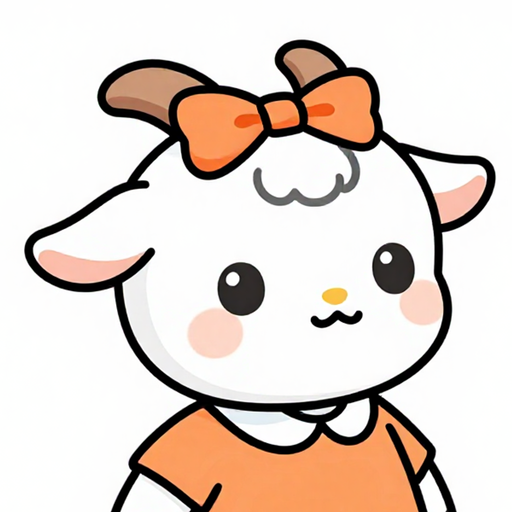
Gigi
The little sister who finds her voice. Gigi uses her AAC device to communicate, and her story “Gigi Can Talk” is included with every download.
Our promises to you.
Things we will never compromise on.
Free forever
Core AAC features will always be free — no trials, no subscriptions, no credit card. If we ever offer premium extras, your child’s ability to communicate will never be on the other side of a paywall.
No rug-pulls, ever
Features you use today will never move behind a subscription. If we add paid extras someday, nothing your family relies on will be taken away.
Affordable hardware
nanoGOAT runs smoothly on affordable Android and Fire tablets, so accessible communication doesn’t require expensive hardware. iPad and iPhone work great too.
Offline first
nanoGOAT works completely offline, so your child always has their voice — in the car, at the store, or out at the park without signal.
Private by design
No ads, and we don’t sell your data. The product serves families, not advertisers.
No account required
Start communicating without signing up. We don’t ask for an email, ever. Parent-lock uses your device’s own lock — the PIN, fingerprint, or face unlock you already trust.
Your data stays in your hands
Everything lives on your device, and backup is a file you keep — save it to your computer or a drive you trust, and restore it yourself anytime. No cloud required, no company between your child and their words.
On a waitlist for speech therapy?
You don’t have to wait to give your child words. nanoGOAT is free to download today — and bring it with you to your first appointment.
Questions families ask.
Is it really free? What’s the catch? +
Yes — core communication is free forever. No trial, no credit card, no locked words, no ads. The “catch” is that there isn’t one: we’re the parents of an autistic kid, we built exactly the app we wanted for our son, and sharing it free was the obvious next step. If we ever offer premium extras, the essentials stay open.
Who is nanoGOAT for? +
nanoGOAT is built for autistic kids 6 and under — especially gestalt language processors, because whole-phrase, photo-first buttons fit the way they communicate. That said, it’s a full AAC app: word-by-word learners, older kids, teens, and adults use it happily too, and families, educators, and clinicians all set it up the same way.
Will AAC stop my child from talking? +
No. Research consistently finds that AAC supports speech development rather than delaying it — for many kids, having a reliable way to communicate reduces frustration and encourages spoken language. It’s a great question to bring to your SLP; it’s one of the most-studied topics in AAC.
Will my child outgrow it? +
No. Start with a few big buttons and grow into full boards of words, phrases, and stories. Buttons stay where your child learned them, nothing is deleted as vocabulary grows, and core words sit alongside whole phrases at every stage.
Is nanoGOAT available now? +
Yes. nanoGOAT AAC is released now on the Apple App Store, Google Play, and the Amazon Appstore for Fire tablets.
What devices does it run on? +
Affordable Android tablets and phones, Amazon Fire tablets, iPad, and iPhone. You can download nanoGOAT AAC today from the Apple App Store, Google Play, and the Amazon Appstore.
Do I need an account? +
No. You can use nanoGOAT without signing up at all. We don’t ask for an email — parent-lock uses your device’s own unlock (PIN, fingerprint, or face), so you never have to remember an extra password.
What about my child’s data? +
It stays on your device. We don’t sell it, share it, or use it to sell ads. Backups are files you keep and restore yourself; there’s no cloud requirement.
Ready when you are.
nanoGOAT AAC is free to download now on the Apple App Store, Google Play, and the Amazon Appstore for Fire tablets.
Available now
Download nanoGOAT AAC
Free forever. No subscription. No credit card.